Warning
AIGC Warning: This project is particially generated by using LLM
This is an extension usage of TwitchDropsMiner, which enables you to get a proper way to use TDM.
How to understand this kind of mode? I mean, it looks like the relationship of mihomo and some applications like flclash. The mihomo is the core, and flclash is the application that helps you to use the core more convenient.
If you want to know how the TDM work, you may check out the original project DevilXD/TwitchDropsMiner
 |
 |
|---|---|
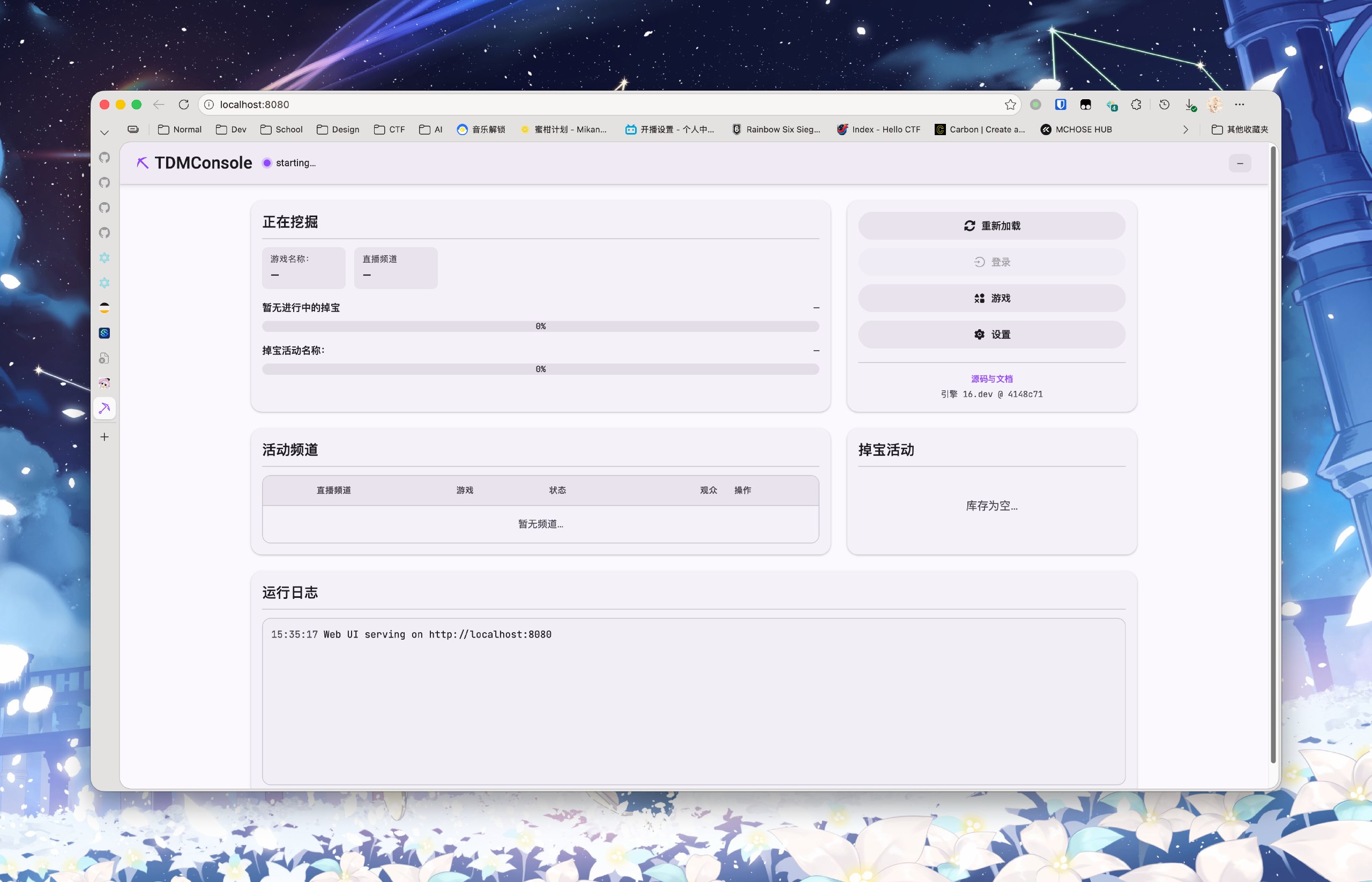
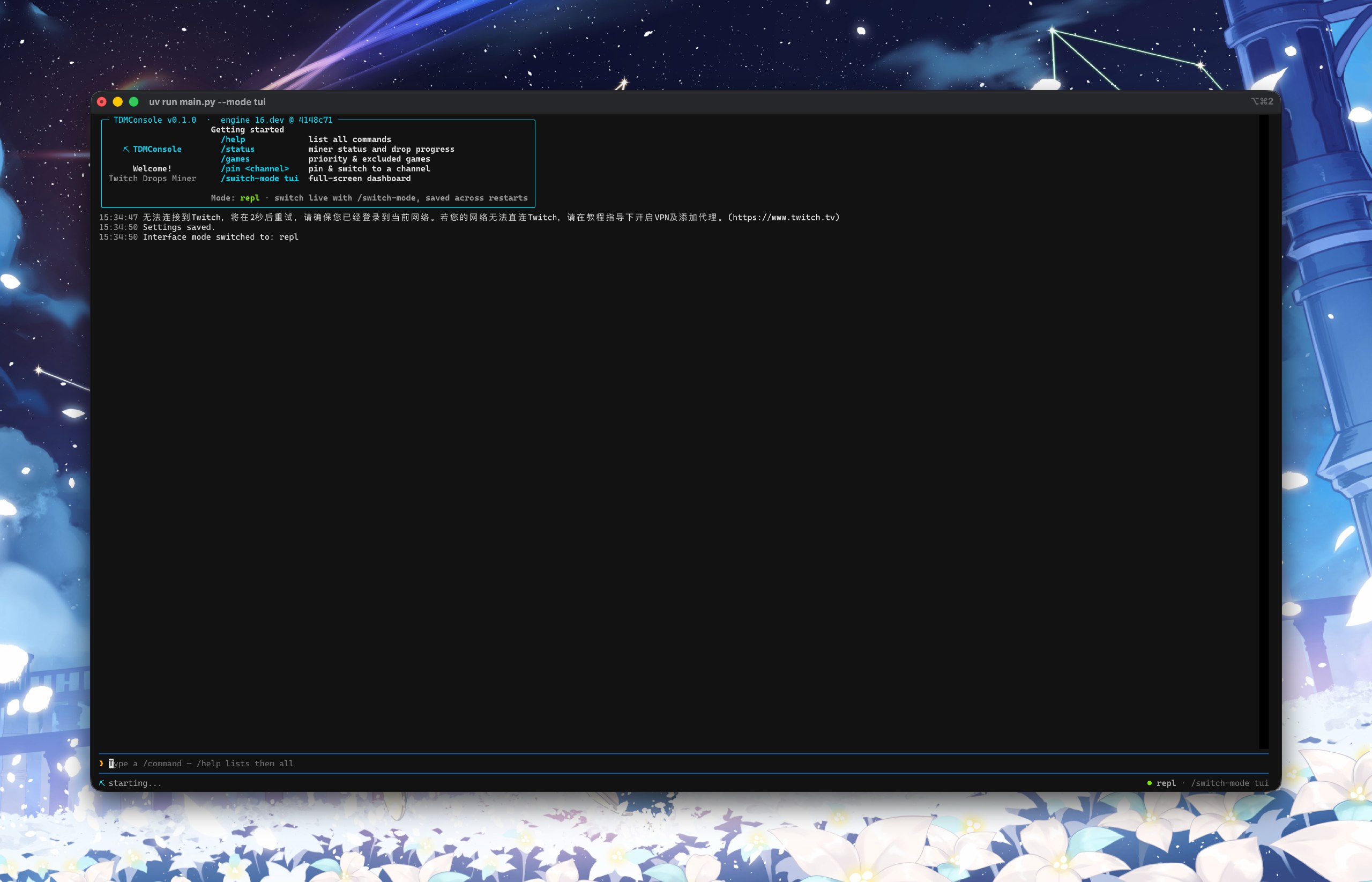
| Webui | REPL |
 |
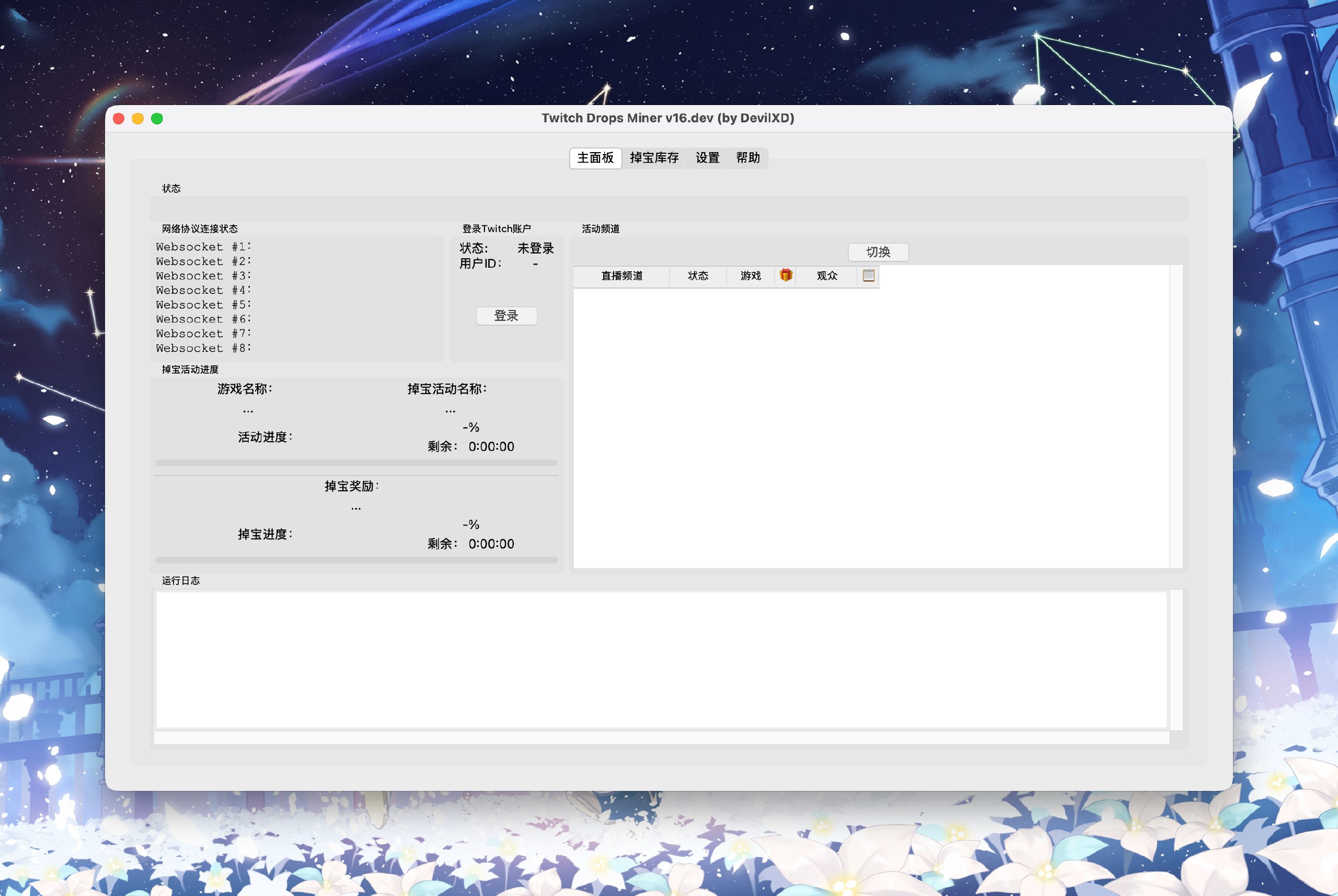 |
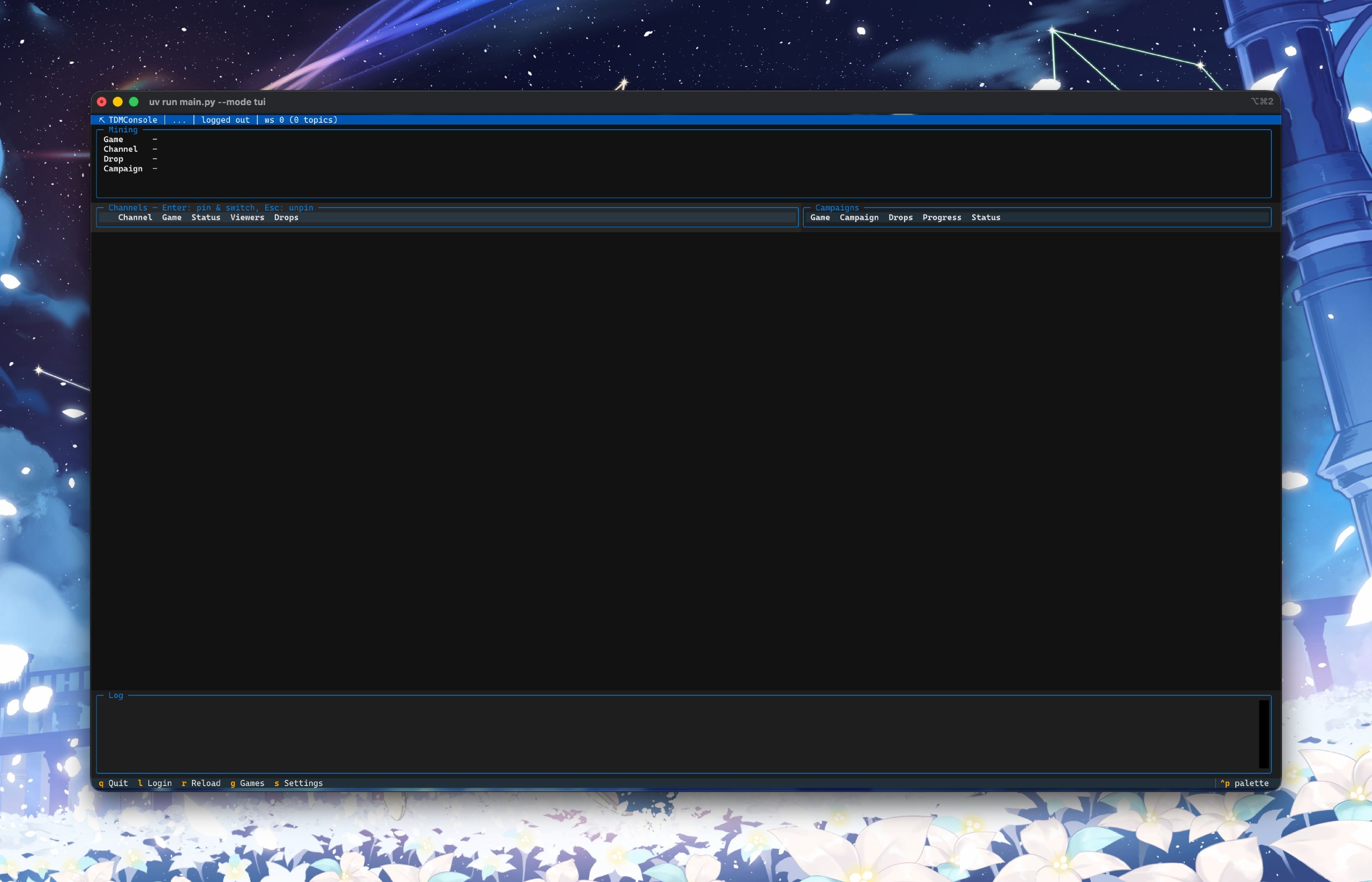
| TUI | GUI (Provided by original repo) |
| Arguments | Works for | Required | Default |
|---|---|---|---|
-h/--help |
Show help message | False | |
-c/--config |
Specify a config file | False | ./settings.json |
--game "game1,game2,..." |
Specify your game list | False | <EMPTY> |
--cookie COOKIE |
Pass your exist cookie to the program | False | <EMPTY>, and login is required |
--jar COOKIEJAR |
Specify the path of cookie jar | False | ./cookies.jar |
--mode {web,repl,tui,gui,headless} |
Specify a mode to run TDMConsole | False | web |
--host ADDRESS |
Set the listening address of webui mode | False | 127.0.0.1 |
--port PORT |
Set the listening port of webui mode | False | 8080 |
--username USERNAME |
Specifiy a username for webui mode | Sync with --password |
|
--password PASSWORD |
Specify a password for webui mode | Sync with --username |
Tip
WebUI credentials can also be provided via the TDM_WEB_USERNAME / TDM_WEB_PASSWORD environment variables — preferred over the CLI flags, since command-line arguments are visible in the process list (ps). When authentication is enabled on a non-local address, put an HTTPS reverse proxy in front — plain HTTP sends credentials unencrypted.
| --v[vvv] | Verbose | False | |
| --log | Write log to log.txt | False | |
| --version | Show version | False | |
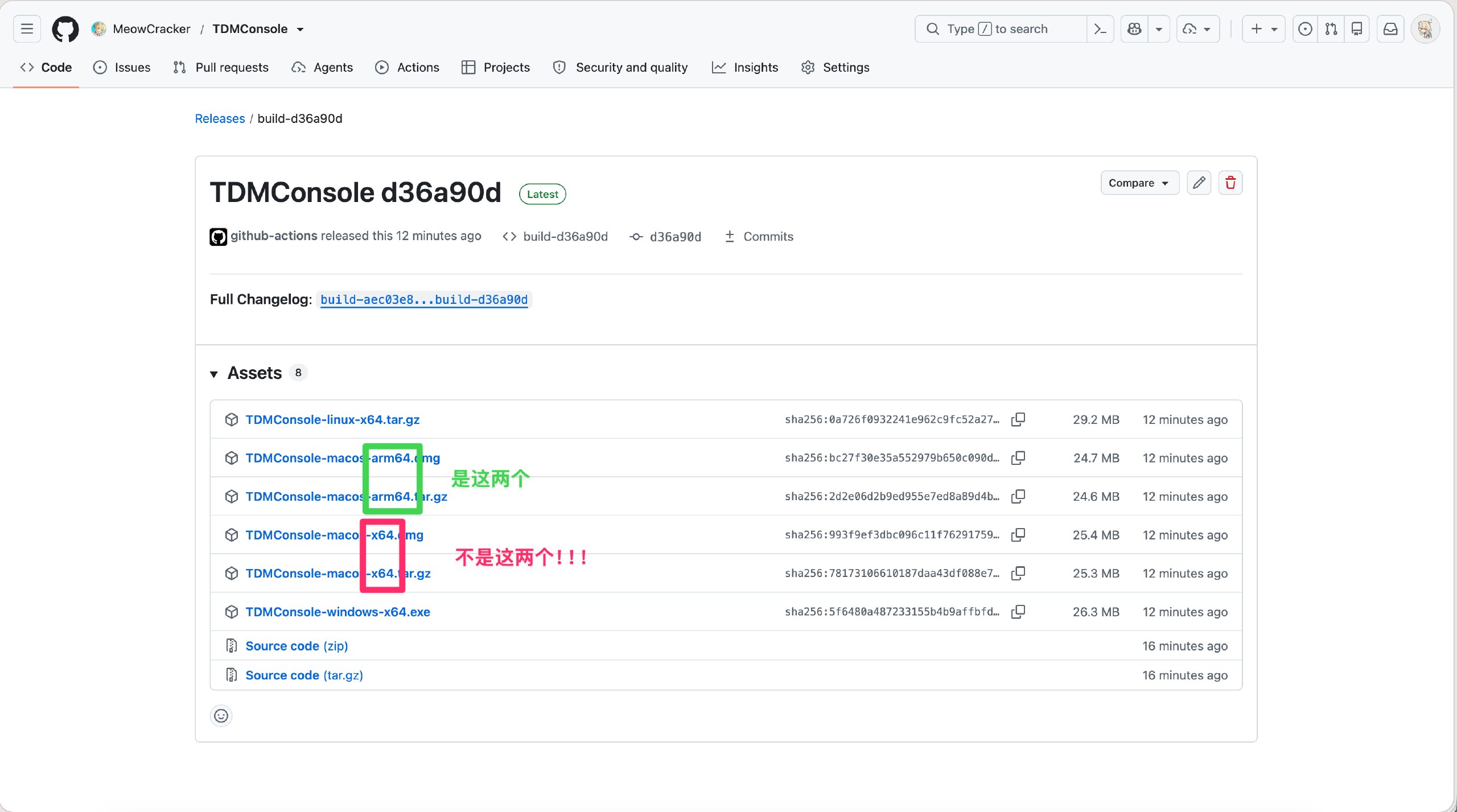
Download the executable file from Github Release page. Aware of choosing right artifact.
- Windows x86_64 users should download
TDMConsole-Windows-x64.exe - Linux x86_64 users should download
TDMConsole-Linux-x64.tar.gzdecompress it before use - MacOS users can choose between
- DMG version where the application is packed into
.appfile. Launch in GUI mode in default. DownloadTDMConsole-MacOS-{arch}.dmg - Executable file version, which should be launch in command line and run in WebUI mode in default. Download
TDMConsole-MacOS-{arch}.tar.gzand decompress it before use
- DMG version where the application is packed into
- No arm arch artifact provided since im lazy lol
To launch the program, you need to run it in the command line (filename is different from system and arch)
$ ./TDMConsole-macos-arm64The application runs no difference from TDM.
After installing Astral UV, run the following command
$ git clone --recursive https://github.com/MeowCracker/TDMConsole.git
$ cd TDMConsole
$ git submodule update --remote TwitchDropsMiner
$ uv sync
$ uv run main.py
BTW, git submodule update --remote TwitchDropsMiner is used to sync the code of the core. If you dont need this, just ignore it.
$ docker run --name TDMConsole \
	--restart unless-stopped \
	-v /path/to/data:/data
	-p 8080:8080 \
ghcr.io/meowcracker/tdmconsoleImportant
Only available when running from source code or running with Docker
Since the application in Docker or with source code has more flexibility, you gain the function of updating the core.
- WebUI: Click [Update Engine] Button
- REPL: Use
/updatecommand - TUI: Press down shortcut u
After doing above, the program will check whether the core is updatable and try to do that.
Initially, im using GUI version of TDM. I mean the version DevilXD made. But the version require a GUI environment. After i moved my services to my server, which has no GUI env, this is not quite usable. Even if THERE IS a solution with baseimage-gui Docker image to build the base, the resource consume is a little big for my low resource server. So i moved to webui version of TDM made by rangermix. However, the webui version cannot get an on-time update, causing the failure of mining.
Therefore, i decided to build my own TDM. Since i met the submodule usage of git, in my design, i chose the combination of core and application. With the help of claude and GPT, this thing finally comes out.
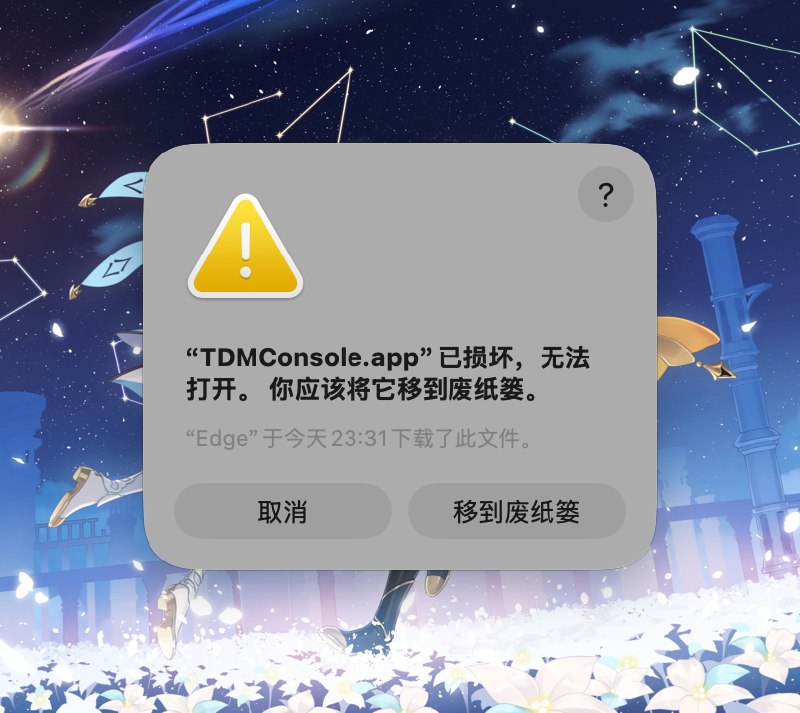
Use the following command to remove the isolated property
$ sudo xattr -rd com.apple.quarantine /Applications/TDMConsole.app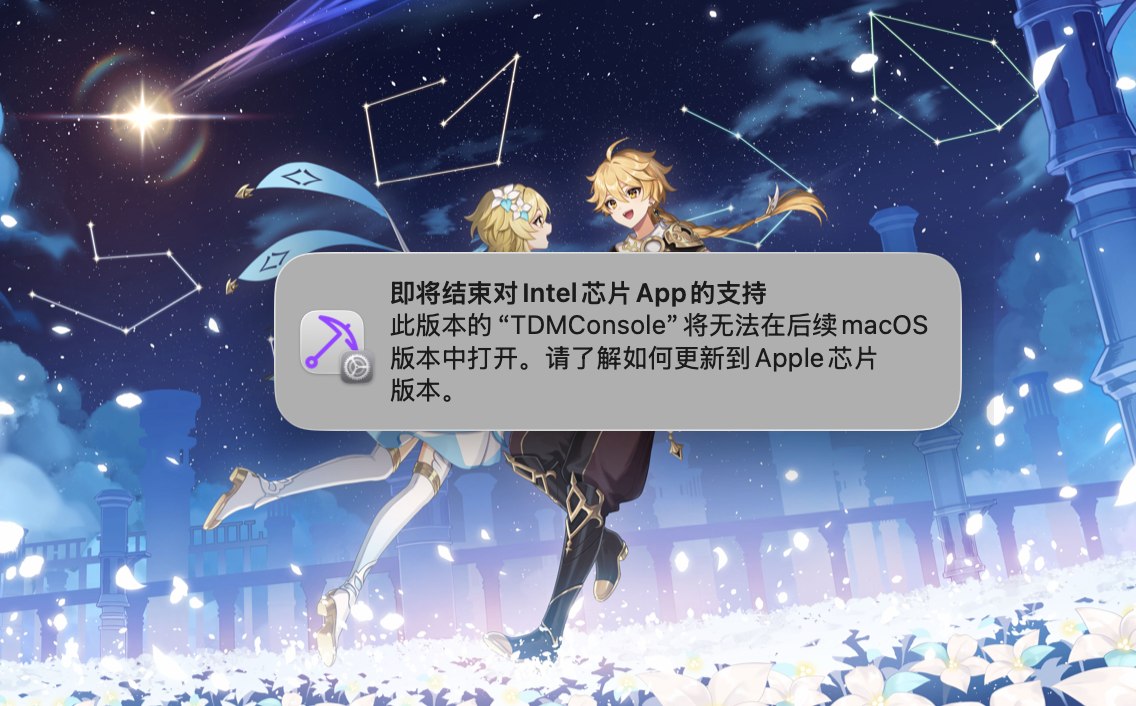
You are using M series of Macbook. DO NOT USE x64!!!
You should download the file that contains arm64 in the filename